
Install BMW ISTA + (Avec données de programmation série F/I/G/RR & MINI)
Install ISTA
Install all dependences
- Microsoft .NET Framework 4.8x
- Visual C++ Runtime 2015-2019 (x64 et x86)
Install "BMW_Standards_tools_2024_03"
All features 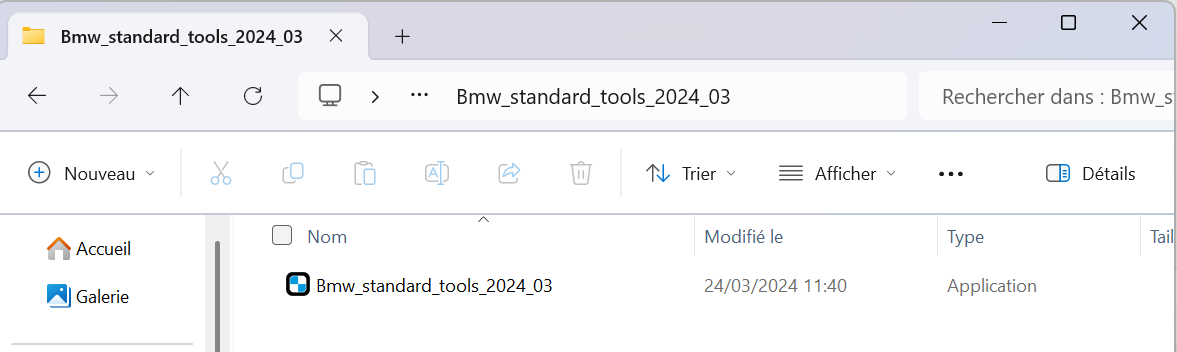
Install ISTA D
Launch ISTA D install setup and wait.
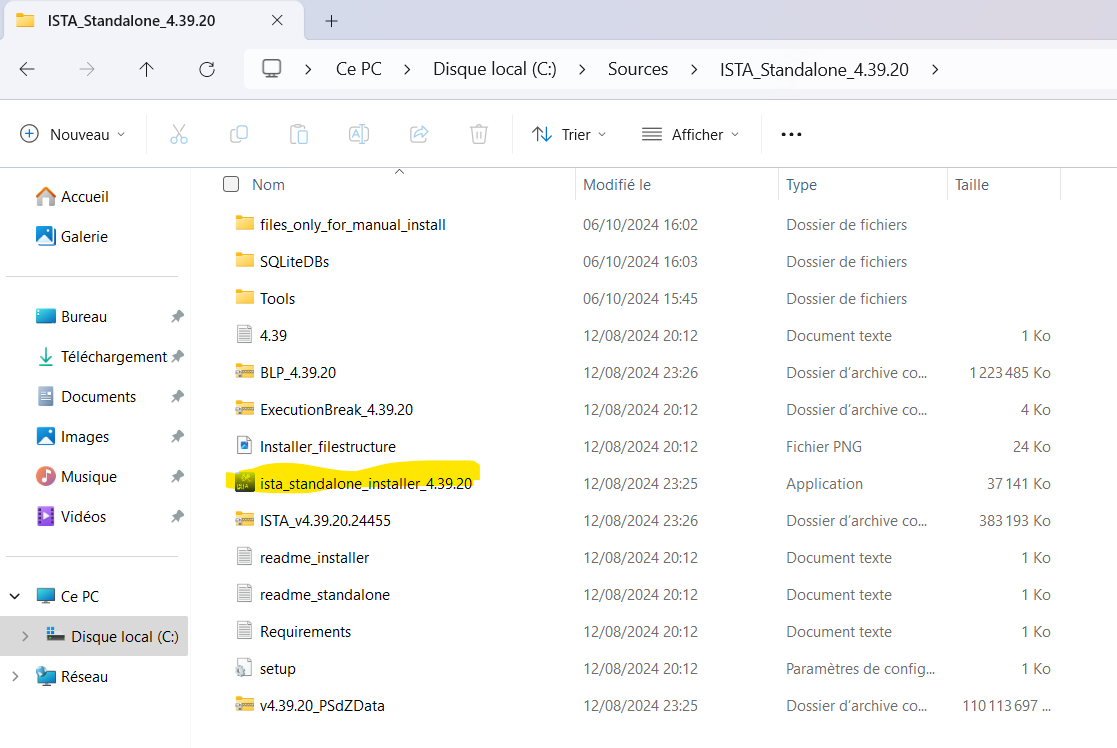
Install ISTA D Programming data
Unzip "...\ISTA_Standalone_4.39.20\v4.39.20_PSdZData.7z"
rename the folder in "data_swi"
et copiez le dans "C:\EC-APPS\ISTA\PSdZ\"
And after launch

Setup EDIABAS + K+D Can cable
Plug the K+D Can cable
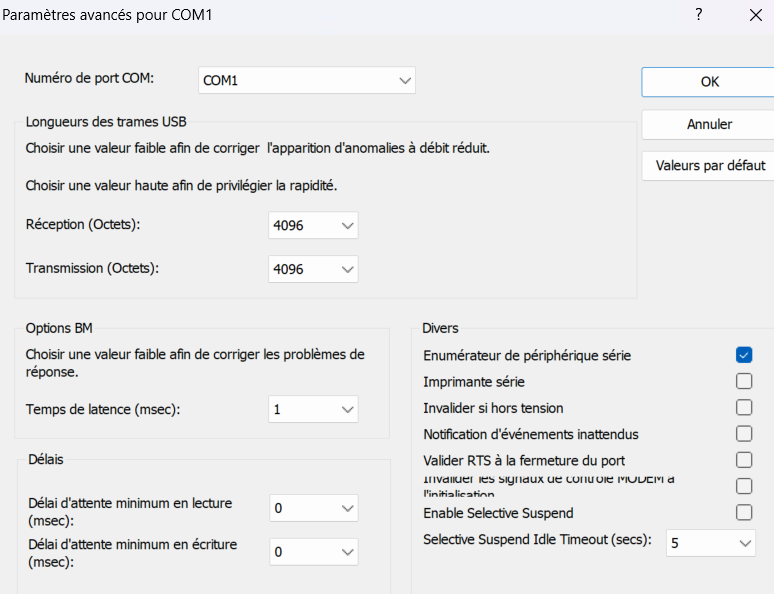
In Device Manager see it in "COM and LTP" and edit properties and Advance
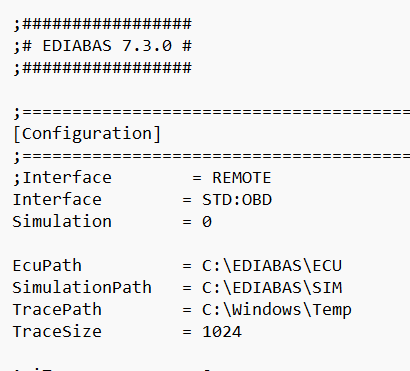
Setup EDIABAS, launch EDIABAS Konfigurator and select "STD:OBD"
Go in C:\EDIABAS\BIN\EDIABAS.ini and add "Port = COMX" (COMX is the port name of your K+D Can cable)
Setup internal ISTA EDIABAS
Go in "C:\EC-APPS\ISTA\Ediabas\BIN" and edit EDIABAS.ini file,
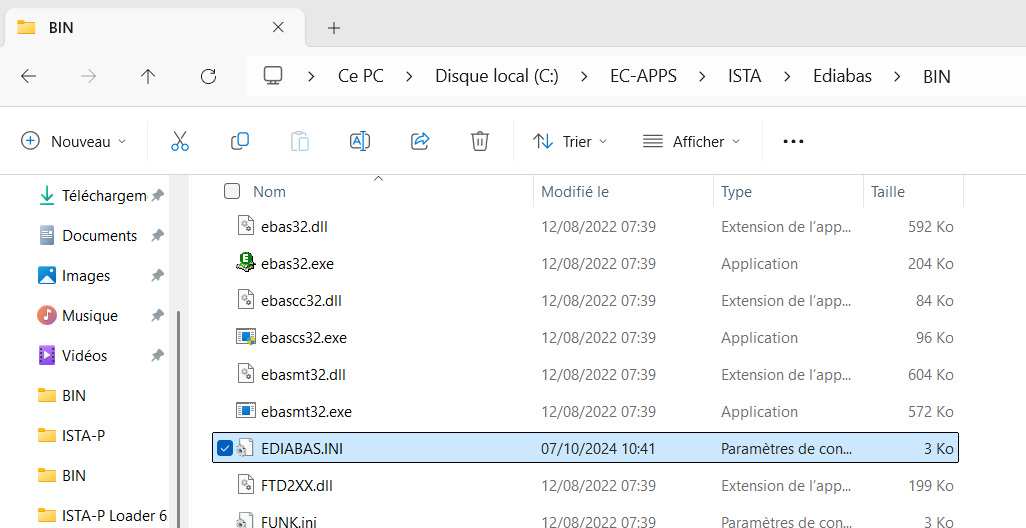
Replace REMOTE by STD:OBD
No Comments